8KDVD Player for Windows

The 8KDVD Player for Windows reads the 8KDVD folder/ISO layout and launches the correct bitstream for your display.

Guide: play an 8KDVD

  1. Install/extract the GitHub “First” release.
  2. Insert the disc, mount the ISO, or point the player at the extracted folder.
  3. Pick 8K / 4K / HD / 3D from the menu as authored.
  4. Hardware: GPU capable of your target resolution; 8K output needs serious VRAM (sister-site tests cited ~8-10 GB class cards for full 8K paths).
  5. If the player fails but Chromium works, use the Universal Web Launcher on the disc (see Watching 8KDVD).

Kodi alternative

Install the Kodi plugin for HTPC setups.

Full living docs: 8kdvd.hddvd-revived.com · Official Authoring Guide.

Public outbound link. We do not host this binary on this server unless noted. Follow the destination page. No warranty from HD DVD Revived beyond sister-site docs.

8KDVD Kodi Plugin

The 8KDVD Kodi Plugin (plugin.video.8kdvd on Archive) plays 8KDVD content inside Kodi with menus, resolution selection, and chapters.

Guide: install and play

  1. Download the ZIP from the Archive item.
  2. In Kodi: Add-ons → Install from zip file → select the plugin ZIP (enable unknown sources if needed).
  3. Open the 8KDVD add-on; browse to your disc drive or copied 8KDVD folder.
  4. Choose 8K / 4K / HD / 3D. Use chapter entries when authored.
  5. Performance tip from the sister-site demo: Nvidia 30-series class GPU in full 8K used roughly 300 MB RAM, 2 CPU threads, ~10 GB VRAM – size your HTPC accordingly.

Also see Universal Web Play on Watching 8KDVD for browser playback without Kodi.

Full living docs: 8kdvd.hddvd-revived.com · Official Authoring Guide.

Public outbound link. We do not host this binary on this server unless noted. Follow the destination page. No warranty from HD DVD Revived beyond sister-site docs.

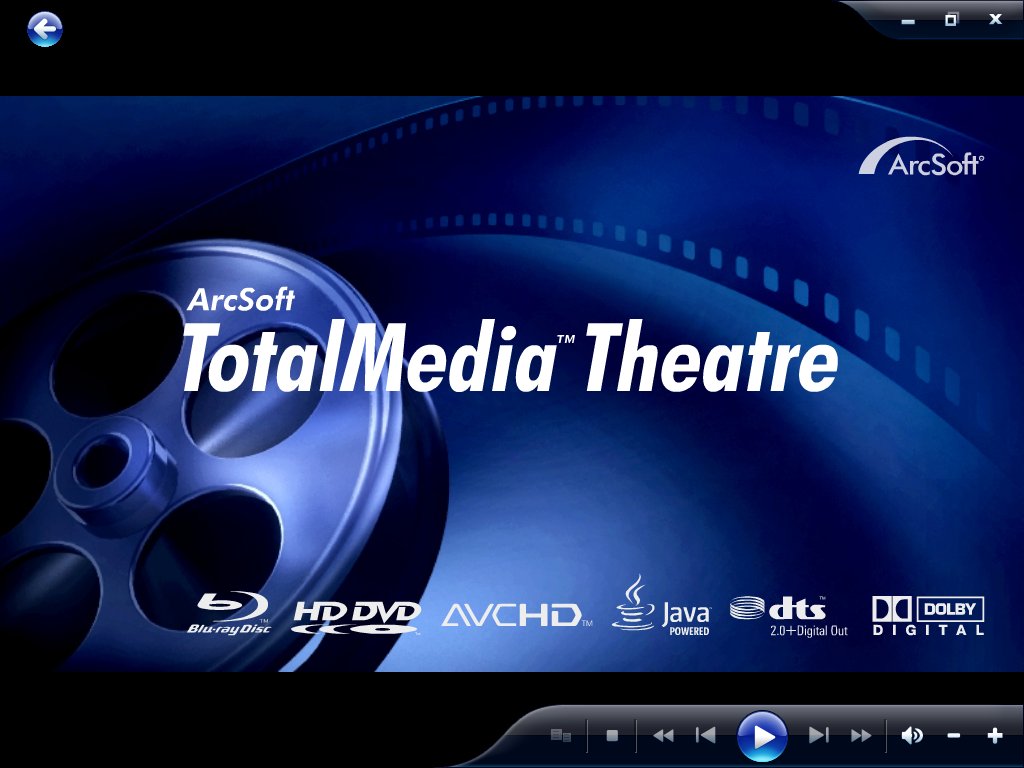
ArcSoft TotalMedia Theatre 5.1.1.114

ArcSoft TotalMedia Theatre 5 is one of the better native HD DVD software players from the format era. Unlike VLC or MPC-HC, TMT can drive full HDi / Advanced Content menus on supported discs when paired with a working HD DVD drive (or a decrypted disc image).

This listing is build 5.1.1.114, with the companion all-in-one updater that takes earlier 5.0.x installs up to that build.

What you get

  • Installer: totalmediatheatre5.exe
  • Updater: totalmediatheatre_5.0.1.80_5.0.1.114_update_all.exe

Version notes

  • 5.x line – widely recommended for Windows 7 HD DVD menu playback.
  • 5.1.1.114 – late 5.x maintenance build packaged with the full updater chain.
  • For newer Windows, many people move to the TMT 6 community package instead (listed separately).

HD DVD notes

Menus and HDi features need a player that still speaks Advanced Content. TMT 5 was built for that. Plain .EVO playback in VLC/MPC will not give you the interactive menus.

Member download: after login the button opens the file page on the Internet Archive. A copy is not stored on this server. No warranty or support.

ArcSoft TotalMedia Theatre 6.7.199

ArcSoft TotalMedia Theatre 6 is the last major TMT generation with serious HD DVD support. Build 6.7.199 is the community preservation package most often cited for getting menus working on Windows 10 / 11 hardware.

The package typically includes the retail try-before-you-buy installer plus community notes for getting the player running on modern Windows. Read the Archive item write-up carefully before installing – it covers driver cleanup and graphics settings that matter on current PCs.

Version notes

  • TMT 6 – successor to TMT 5; better chance on Win10/11 than older ArcSoft builds.
  • 6.7.199 – late package commonly used in the HD DVD preservation community.
  • Hardware acceleration quirks are reported on some GPUs; software decode is a useful fallback.

HD DVD notes

Designed for full disc / ISO playback with menus. Decrypted backups and a capable drive still help reliability. This is a player, not a ripper.

Member download: after login the button opens the file page on the Internet Archive. A copy is not stored on this server. No warranty or support.

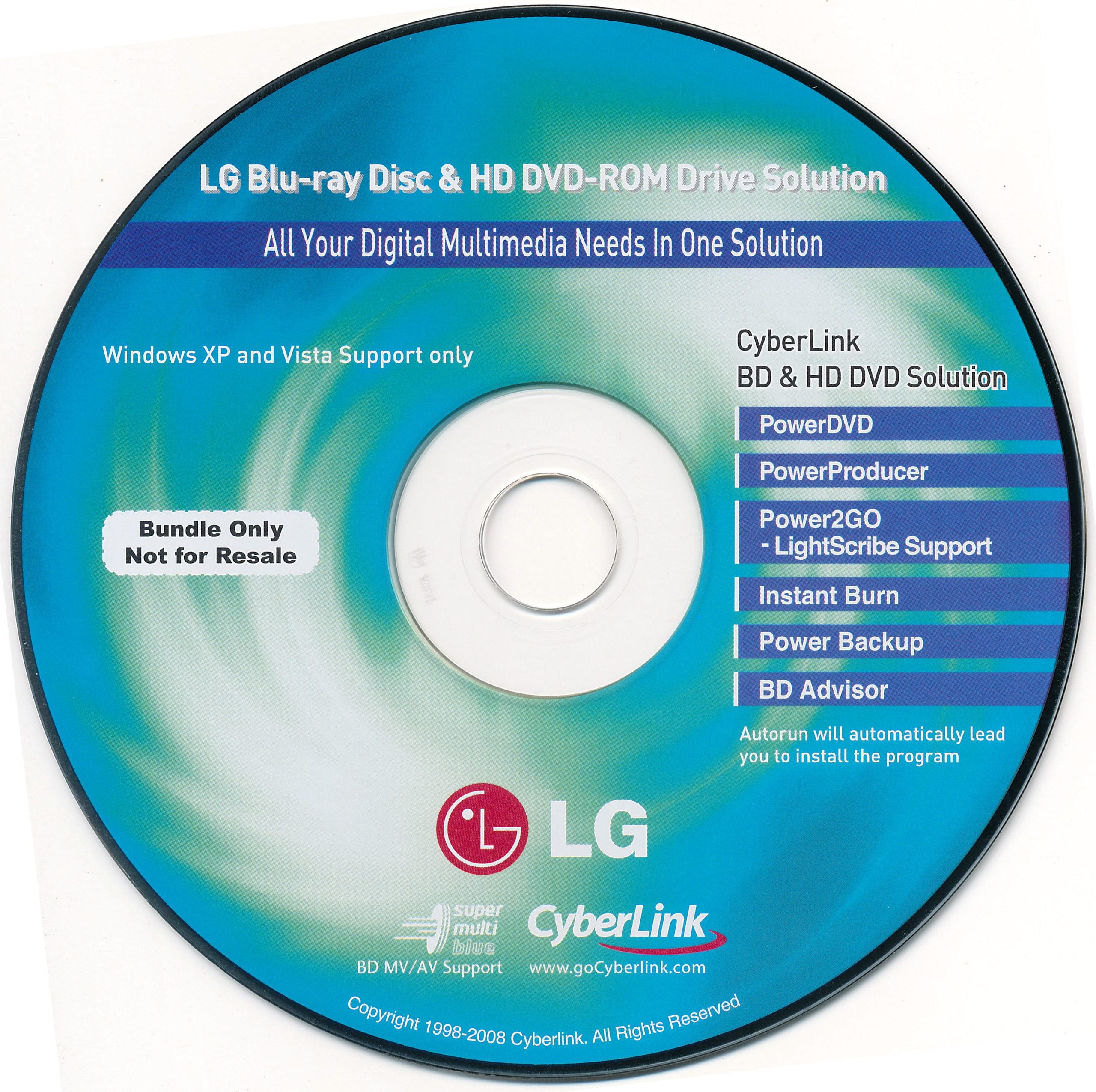
LG GGC-H20L CyberLink BD / HD DVD software bundle

Software disc bundled with the LG GGC-H20L Super Multi Blue drive – one of the better consumer BD + HD DVD combo readers. The bundle is the CyberLink “Blu-ray & HD DVD Solution” pack from the XP / Vista era.

Typical contents

  • CyberLink PowerDVD (BD / HD DVD playback)
  • CyberLink PowerProducer (authoring)
  • CyberLink Power2Go (burning, LightScribe)
  • Instant Burn, PowerBackup, BD Advisor utilities

Version / platform notes

  • Targeted at Windows XP and Vista (as stated on the original disc).
  • Useful if you are restoring an OEM drive setup or need period-correct CyberLink bits for that hardware.
  • On modern Windows you will usually prefer a later PowerDVD or ArcSoft TMT build instead.

Member download: after login the button opens the file page on the Internet Archive. A copy is not stored on this server. No warranty or support.

For the current retail AVCHD authoring product, see CyberLink PowerProducer 6 Ultra.

Media Player Classic HC 1.7.10 (32-bit)

We have tested Media Player Classic for windows and it plays he .EVO files used on HDDVDs (although you may need an application such as anydvd HD to decrypt the disc first) Menus are generally Non-Functional but all video playback is functional.

Just play the .EVO files stored in the HVDVD_TS folder on your disc. (Tested on windows xp, Vista, 7, 8 and 8.1 and 10 ) Please ensure you have installed codec packs first.

The easiest way to watch the movie is to open the application. 

1. Click File

2. Click Open Directory

3. Navigate to your HDDVD Drive and click the “HVDVD_TS” Directory and click and “select folder” button and the disc will play from beginning to end

  • Supported Operating Systems:

    Windows® XP SP3, Vista, 7, 8, 8.1, 10 both 32-bit and 64-bit

  • System Requirements:

    An SSE capable CPU 

Members only: browse freely; create a free account or log in to download.

Media Player Classic HC 1.7.10 (64-bit)

We have tested Media Player Classic for windows and it plays he .EVO files used on HDDVDs (although you may need an application such as anydvd HD to decrypt the disc first) Menus are generally Non-Functional but all video playback is functional.

Just play the .EVO files stored in the HVDVD_TS folder on your disc. (Tested on windows xp, Vista, 7, 8 and 8.1 and 10 ) Please ensure you have installed codec packs first.

The easiest way to watch the movie is to open the application. 

1. Click File

2. Click Open Directory

3. Navigate to your HDDVD Drive and click the “HVDVD_TS” Directory and click and “select folder” button and the disc will play from beginning to end

  • Supported Operating Systems:

    Windows® XP SP3, Vista, 7, 8, 8.1, 10 both 32-bit and 64-bit

  • System Requirements:

    An SSE capable CPU 

Members only: browse freely; create a free account or log in to download.

ArcSoft TotalMedia Theatre 3.0 (old version)

This is a very old version of arcsoft that supports HDDVD playback. This download does not iclude a serial number and is here for archiving purposes only to allow people with a licence for version 3.0 or higher to reinstall 3.0 to play HDDVDs. Media Theatre only works in windows XP – 7 But not 8 or 10.

Members only: browse freely; create a free account or log in to download.

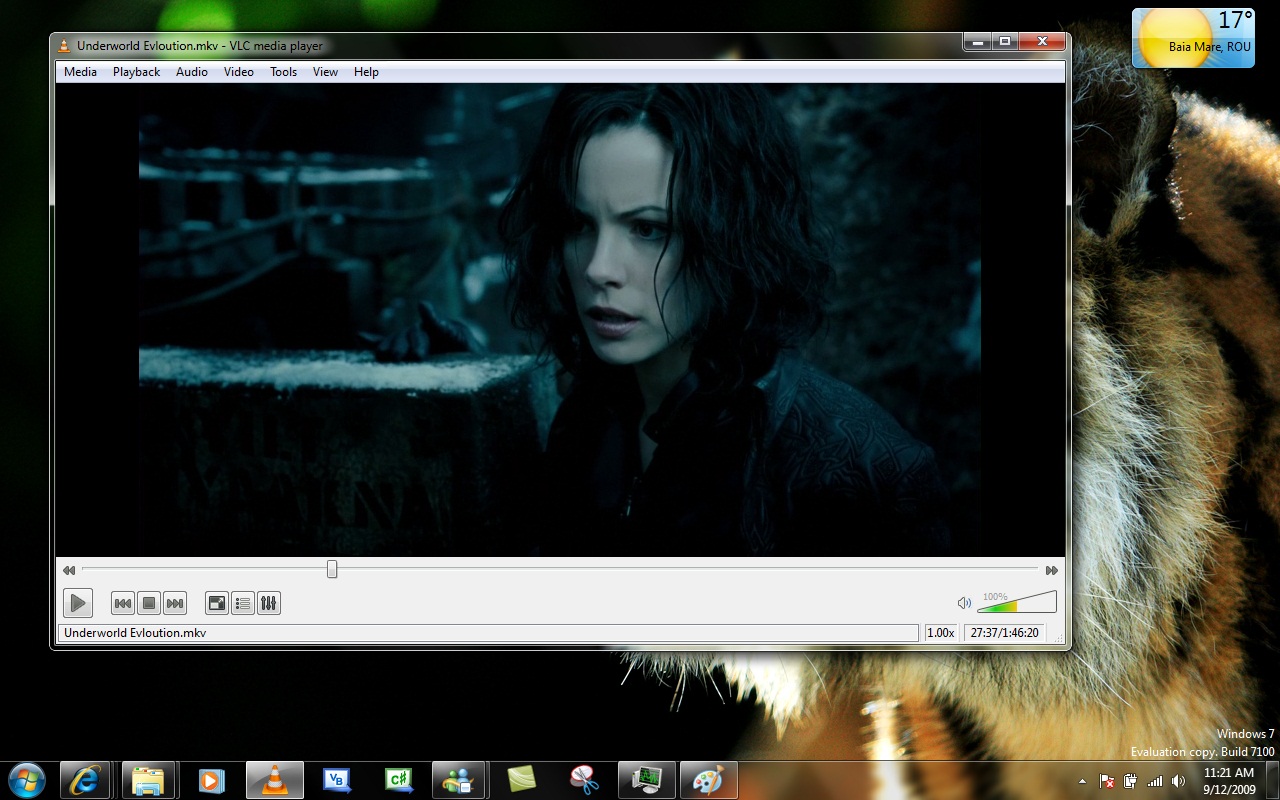
VLC media player 2.2.2 for Windows

VLC 2.2.2 is a practical software player for almost every format discussed on Free Downloads. It will not author discs, but it is the fastest way to check encodes and rip folders before you burn.

Guide: play VCD / SVCD / CVD

  1. Insert the CD or open MPEGAV*.DAT / MPEG2*.MPG from a rip.
  2. Media → Open Disc / Open File. If DAT fails, copy and rename to .mpg.
  3. Use Playback → Speed and deinterlace toggles for interlaced CVD/SVCD on progressive monitors.

Guide: play DVD-Video

  1. Open Disc → DVD. Navigate menus with the DVD menu hotkeys / on-screen controller.
  2. For VIDEO_TS folders on hard disk: open the folder or VIDEO_TS.IFO.

Guide: play AVCHD / BDMV

  1. Open the BDMV folder or index.bdmv from an AVCHD disc image.
  2. If menus fail, open the longest M2TS under STREAM directly to check video quality.

Guide: play HD DVD (limited)

  1. Commercial HD DVD Advanced Content menus usually need PowerDVD / ArcSoft TMT.
  2. VLC can often play demuxed EVO/MPLS streams for technical checks, not full HDi interactivity.

Guide: play 8KDVD media files

  1. VLC can play the VP9/Opus files inside an 8KDVD folder for quality checks.
  2. For full menus use the 8KDVD Windows Player, Chromium launcher, or Kodi plugin.

China Blue (CBHD)

VLC does not play CBHD discs. See the CBHD support article.

Member download on this site build. No warranty.

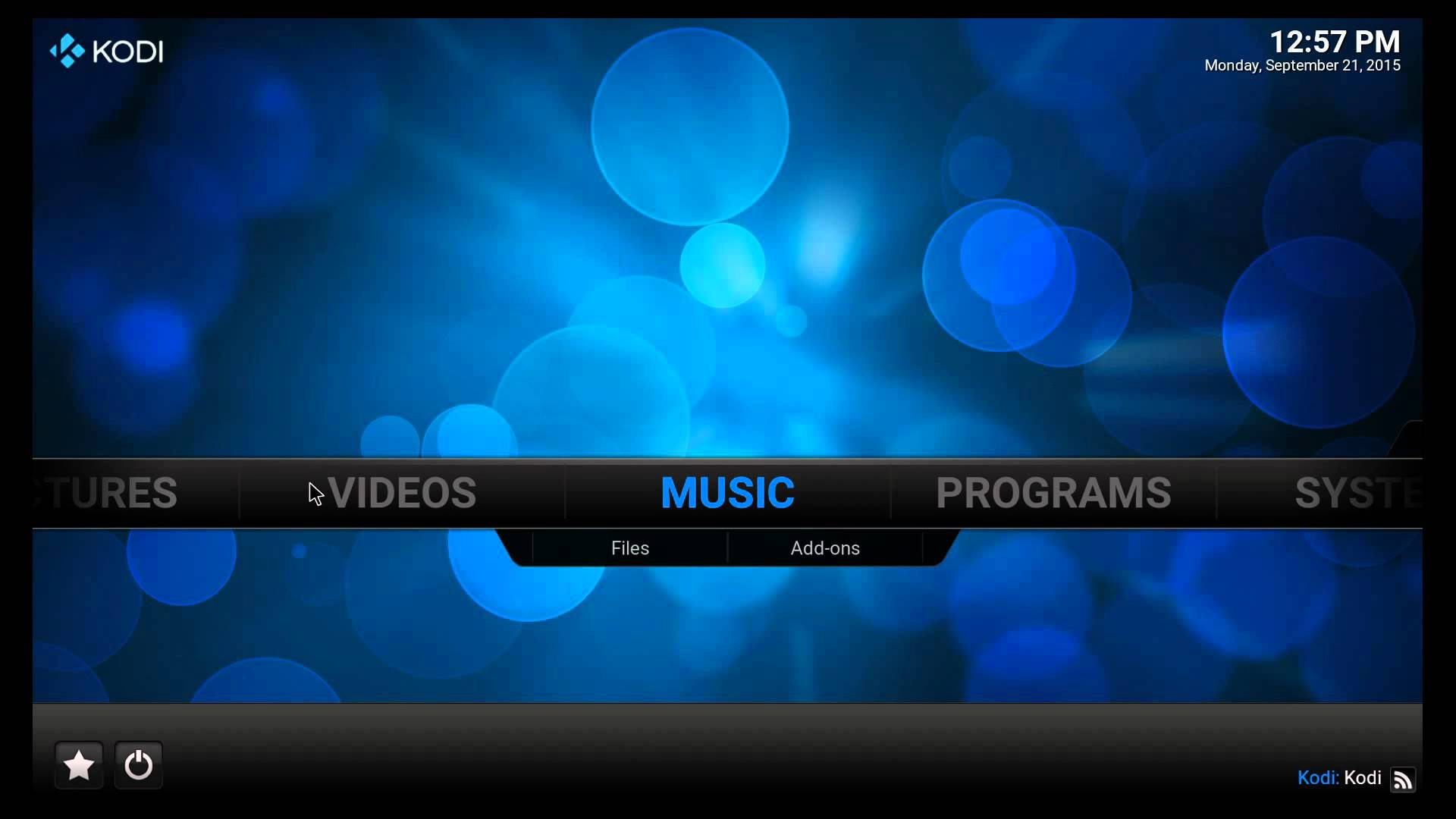
Kodi 16 Jarvis for Windows

To play HDDVDs on Kodi simply navigate to Videos, then Folders, open the HDDVD drive CLick on HVDVD folder and click the first .EVO file and KODI will play through them, you will need codec packs installed and if playing encrypted discs you may need to install ANYDVD HD to decrypt the folders first.

Kodi® (formerly known as XBMCâ„¢) is an award-winning free and open source (GPL) software media center for playing videos, music, pictures, games, and more. Kodi runs on Linux, OS X, Windows, iOS, and Android, featuring a 10-foot user interface for use with televisions and remote controls. It allows users to play and view most videos, music, podcasts, and other digital media files from local and network storage media and the internet. Our forums andWiki are bursting with knowledge and help for the new user right up to the application developer. We also have helpful Facebook, Google+, Twitter andYoutube pages.

IMPORTANT:
The official Kodi version does not contain any content what so ever. This means that you should provide your own content from a local or remote storage location, DVD, Blu-Ray or any other media carrier that you own. Additionally Kodi allows you to install third-party plugins that may provide access to content that is freely available on the official content provider website. The watching or listening of illegal or pirated content which would otherwise need to be paid for is not endorsed or approved by Team Kodi.

Members only: browse freely; create a free account or log in to download.