Description
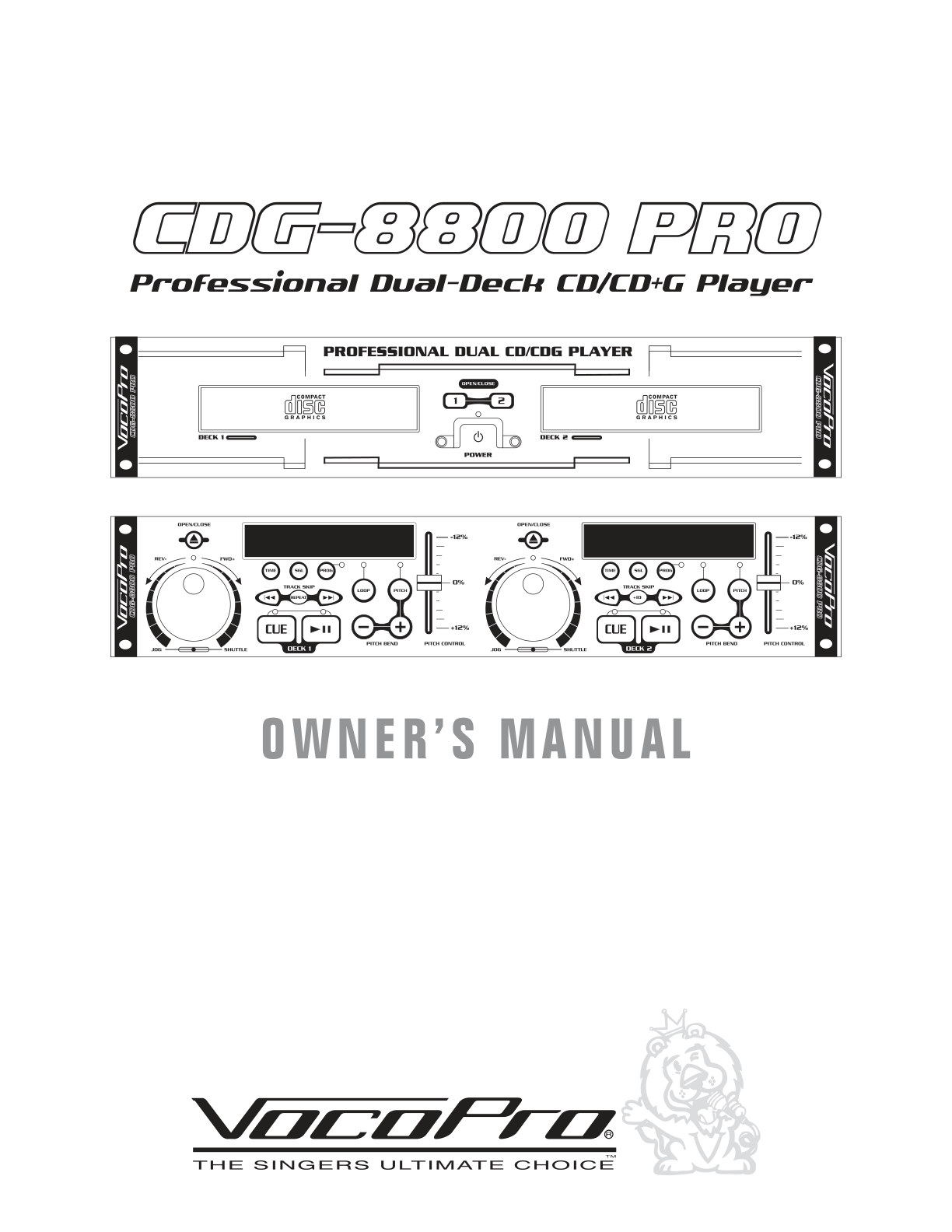
VocoPro CDG 8800 CD+G Karaoke Manual EN for this CD+G karaoke system.
- Introduction
- Controls and Functions
- Player Unit
- Controller Unit
- Operations
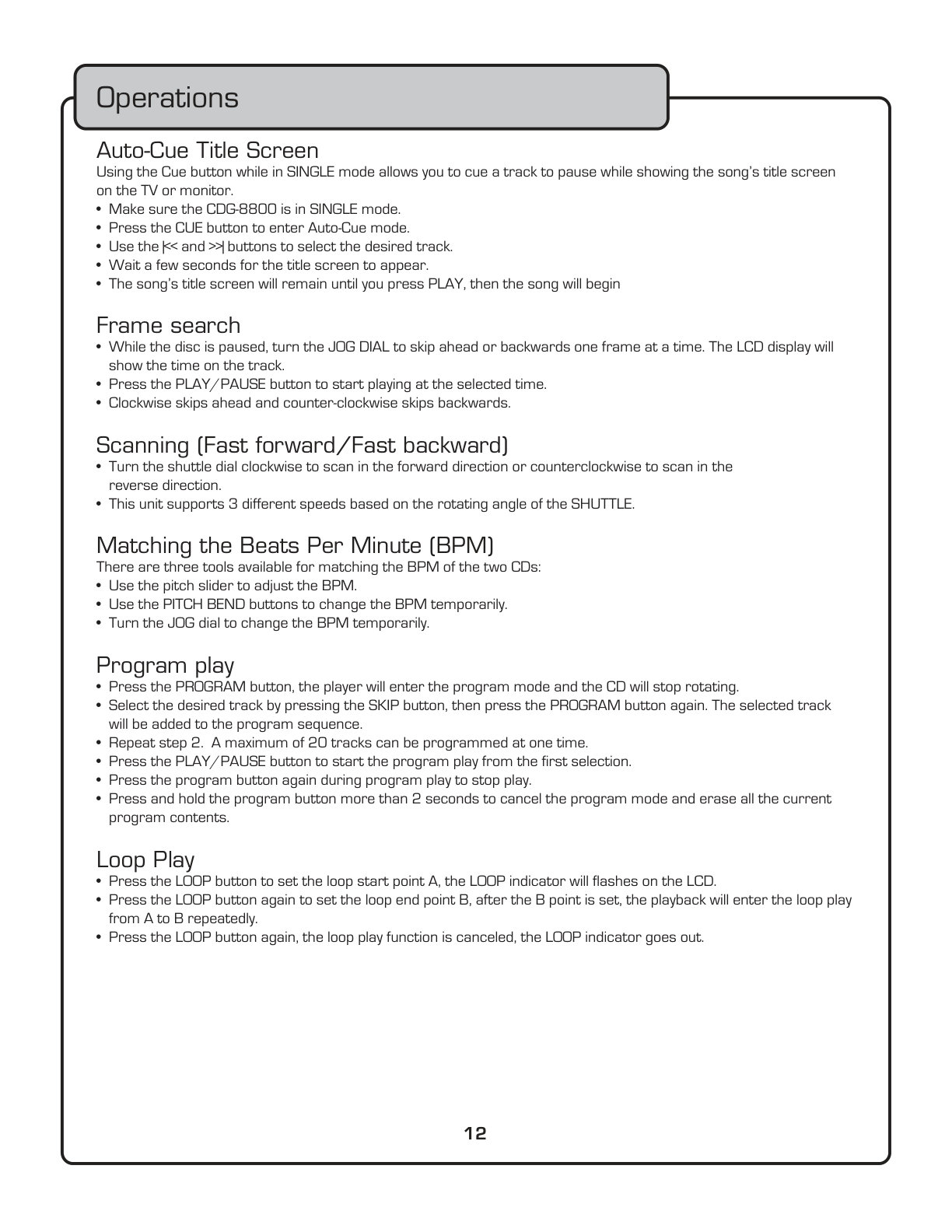
- Auto-Cue Title Screen
- Make sure the CDG-8800 is in SINGLE mode
- Press the CUE button to enter Auto-Cue mode
- Use the |<< and >>| buttons to select the desired track
- Wait a few seconds for the title screen to appear
- The song’s title screen will remain until you press PLAY, then the song will begin
- Frame search
- Press the PLAY/PAUSE button to start playing at the selected time
- Clockwise skips ahead and counter-clockwise skips backwards
Pages: 17 · File size: 1.52 MB
Price covers PayPal base fee, per-page processing, and archive storage/transfer. Instant download only (no printed manuals).