Description
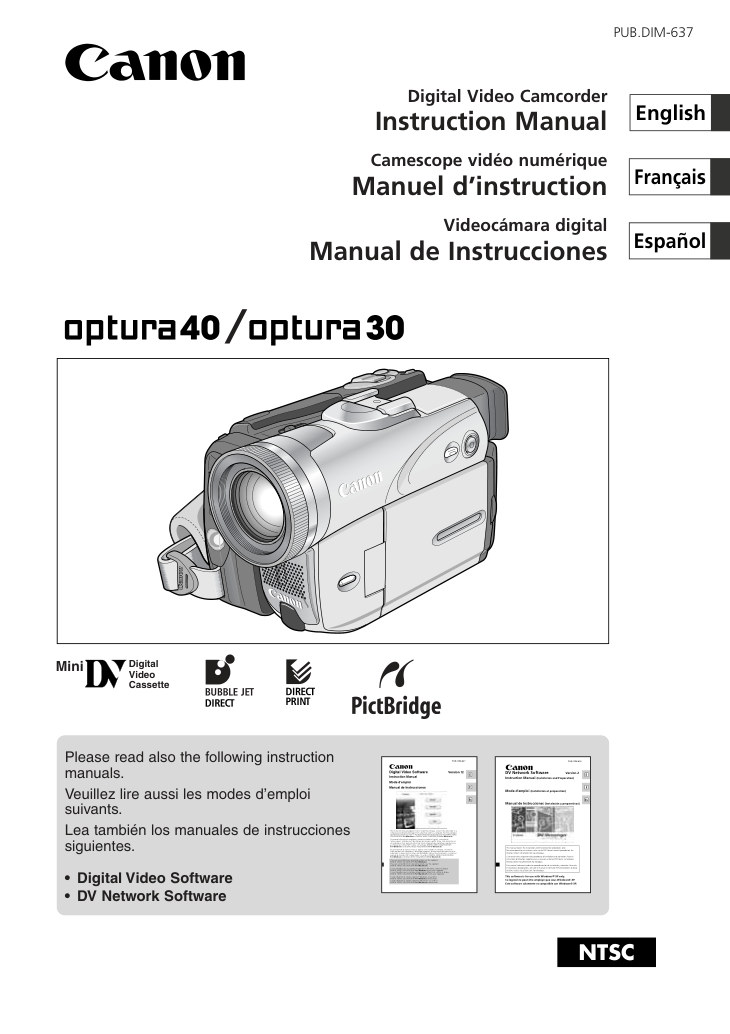
Canon OPTURA40 MiniDV – owner / operating manual for this MiniDV camcorder.
Language: English.
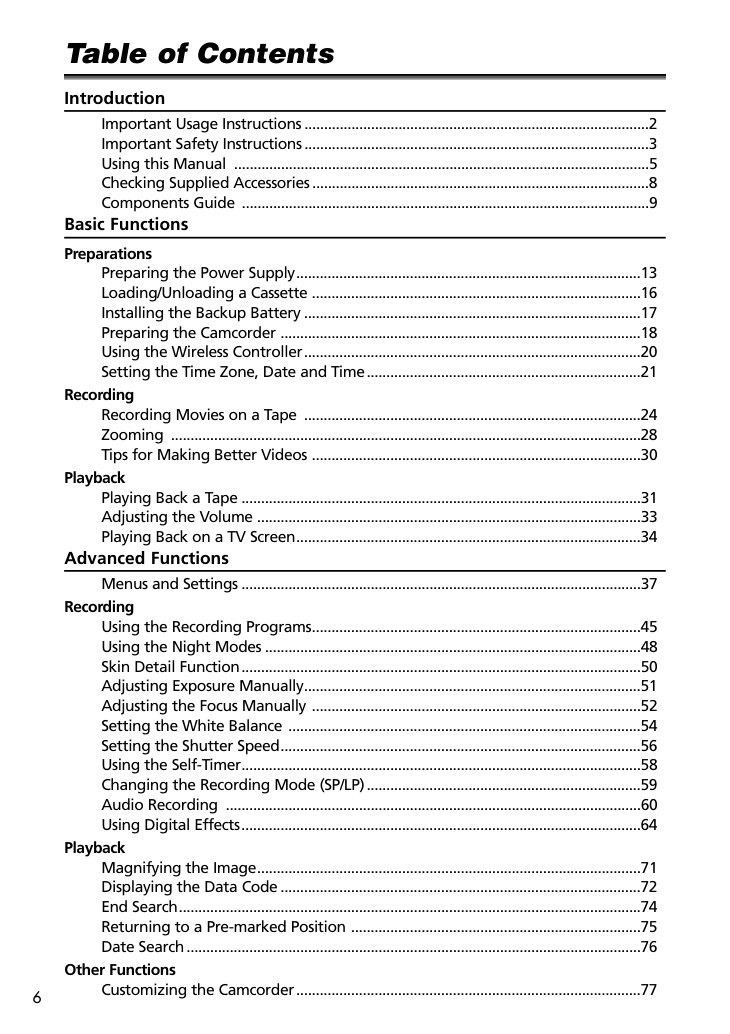
- Important Usage Instructions (p.2)
- Important Safety Instructions (p.3)
- Checking Supplied Accessories (p.8)
- Preparing the Power Supply (p.13)
- Loading/Unloading a Cassette (p.16)
- Installing the Backup Battery (p.17)
- Preparing the Camcorder (p.18)
- Using the Wireless Controller (p.20)
- Setting the Time Zone, Date and Time (p.21)
- Recording Movies on a Tape (p.24)
- Tips for Making Better Videos (p.30)
- Playing Back on a TV Screen (p.34)
- Using the Recording Programs (p.45)
- Using the Night Modes (p.48)
- Adjusting Exposure Manually (p.51)
- Adjusting the Focus Manually (p.52)
- Setting the White Balance (p.54)
- Setting the Shutter Speed (p.56)
- Changing the Recording Mode (SP/LP) (p.59)
- Magnifying the Image (p.71)
- Displaying the Data Code (p.72)
- Returning to a Pre-marked Position (p.75)
- Customizing the Camcorder (p.77)
- Changing the Display Language (p.78)
- …and 25 more sections in the booklet.
Pages: 166 · File size: 4.24 MB
Price covers PayPal base fee, per-page processing, and archive storage/transfer. Instant download only (no printed manuals).