Description
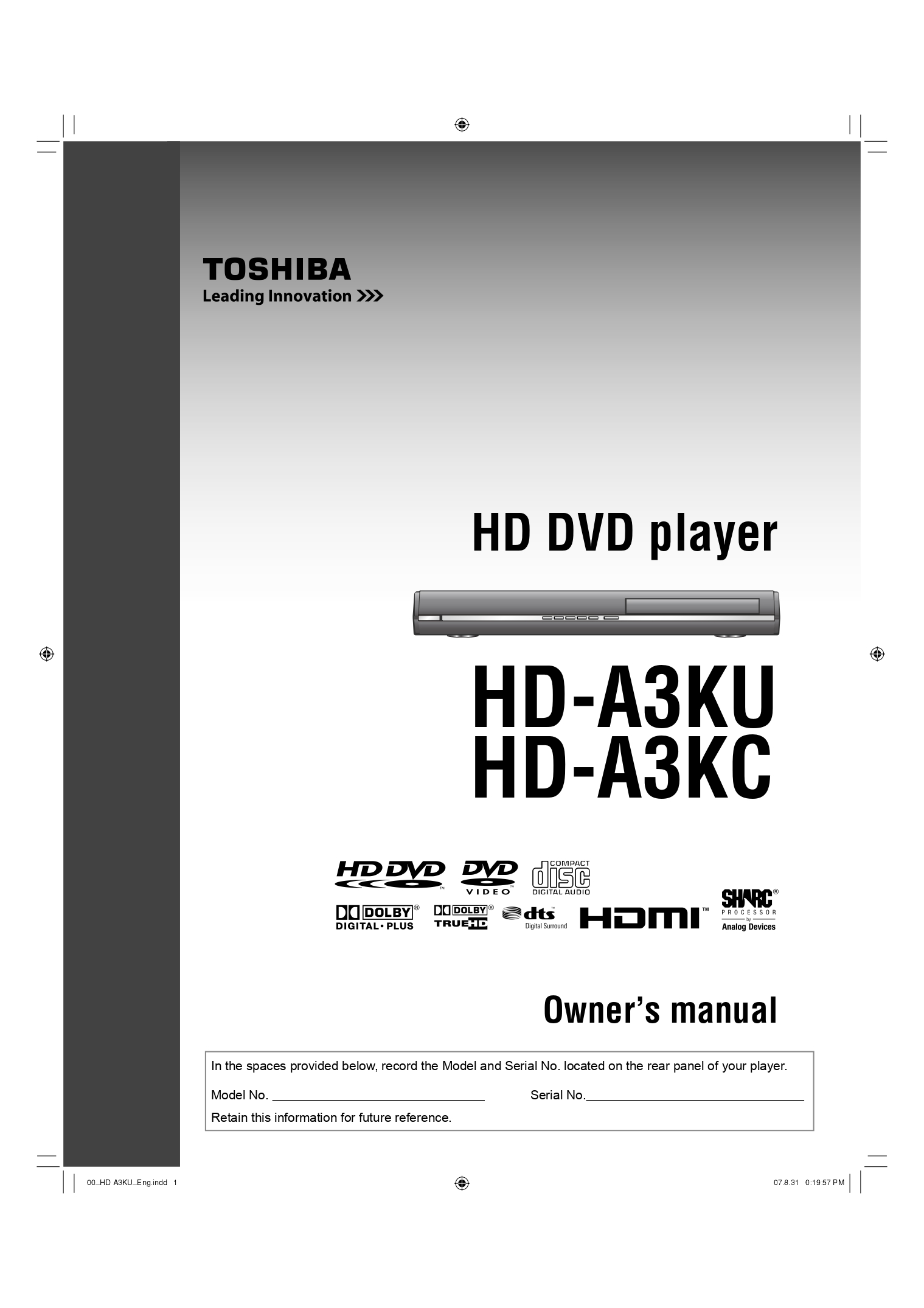
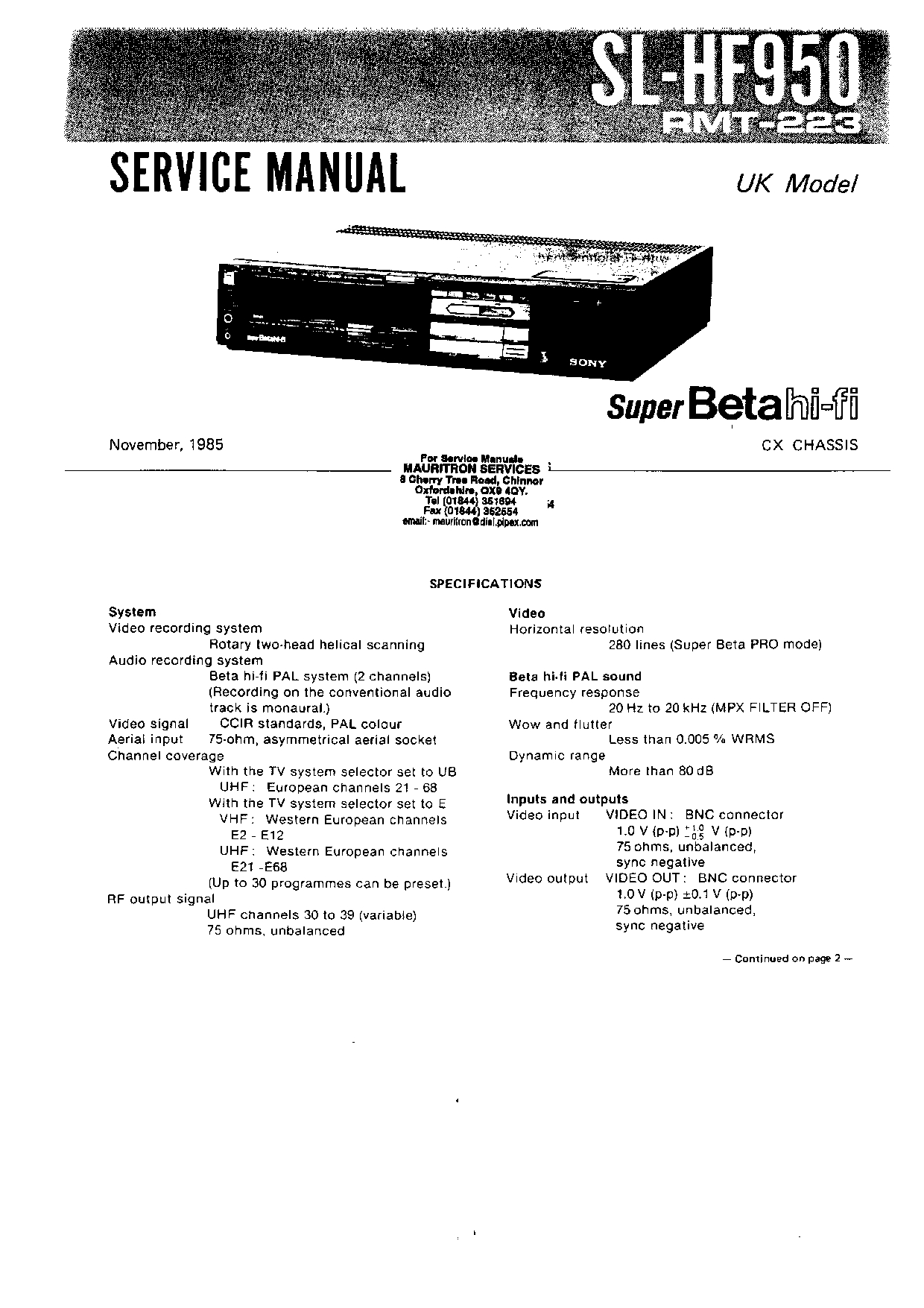
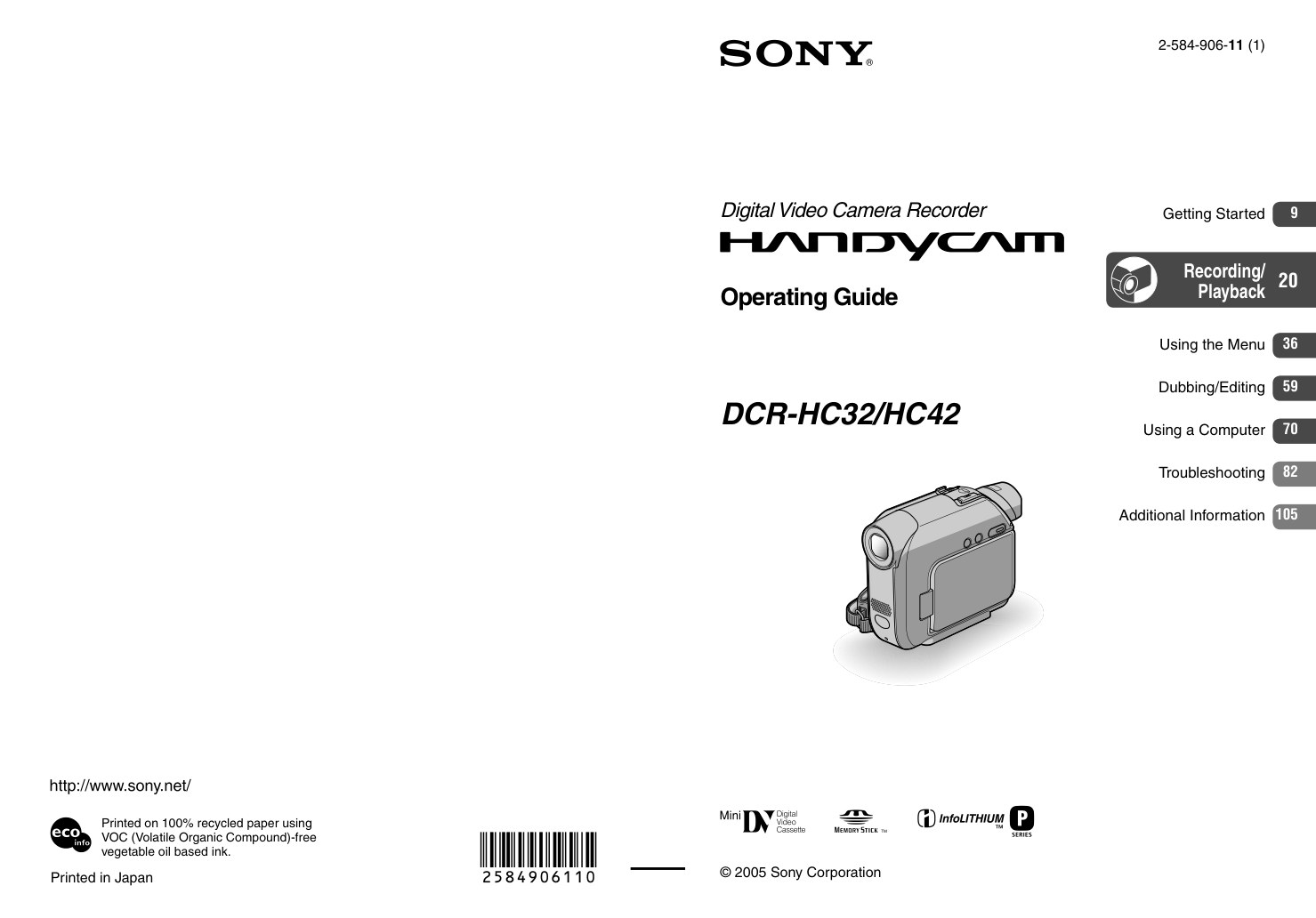
Sony DCR-HC32 – owner / operating manual for this MiniDV camcorder.
Language: English.
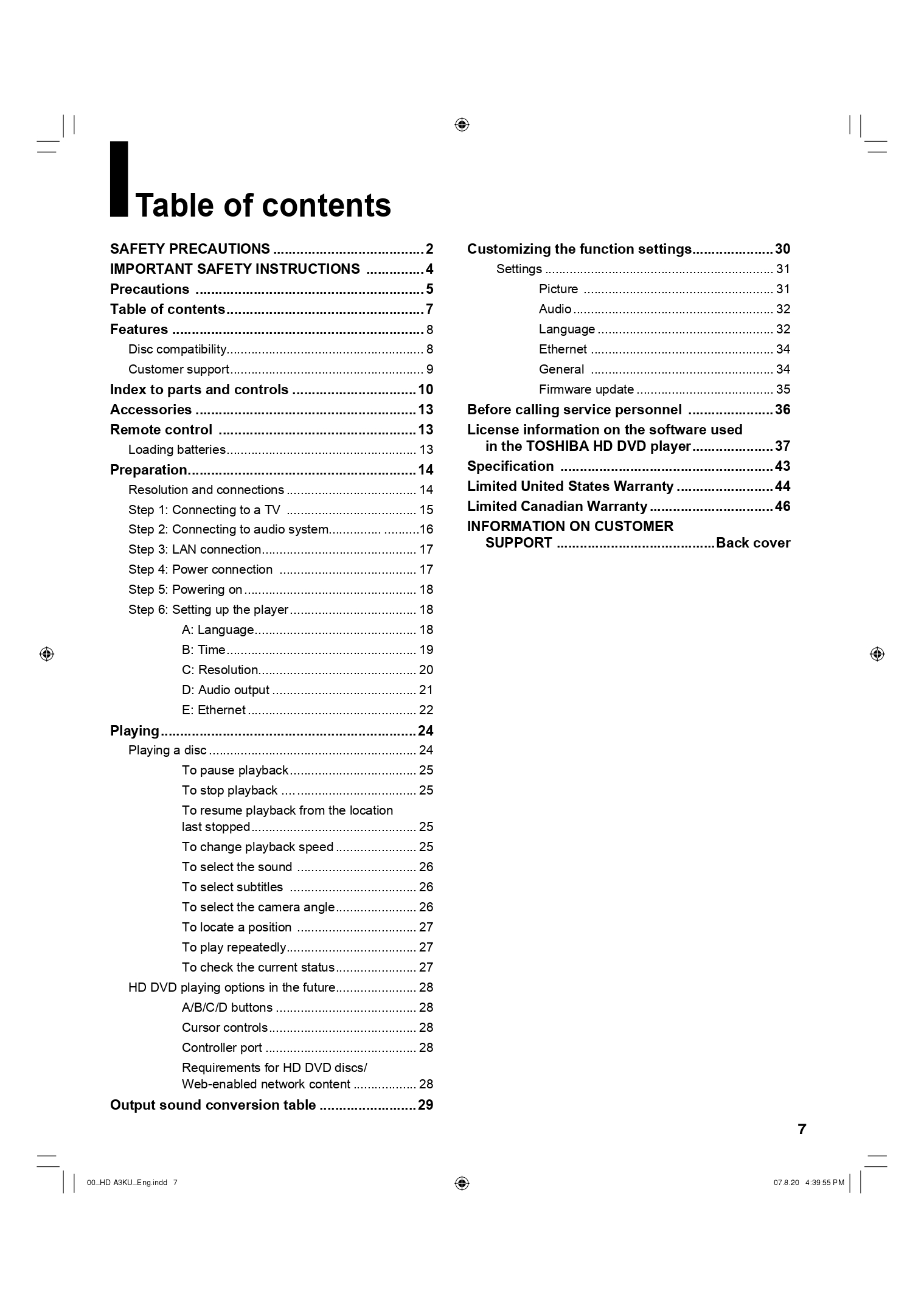
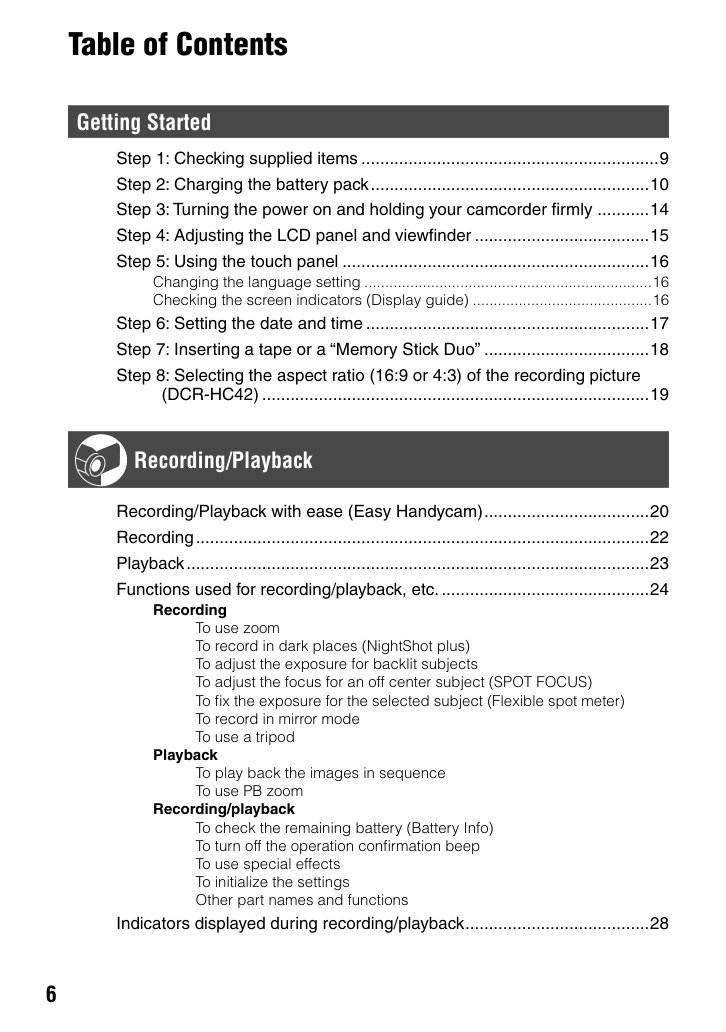
- Read this first (p.2)
- Table of Contents (p.6)
- Getting Started (p.9)
- Step 1: Checking supplied items (p.9)
- Step 2: Charging the battery pack (p.10)
- Step 3: Turning the power on and holding your camcorder firmly (p.14)
- Step 4: Adjusting the LCD panel and viewfinderThe (p.15)
- Step 5: Using the touch panel (p.16)
- Changing the language setting (p.16)
- Checking the screen indicators (Display guide) (p.16)
- Step 6: Setting the date and time (p.17)
- Step 7: Inserting a tape or a “Memory Stick Duo” (p.18)
- Step 8: Selecting the aspect ratio (16:9 or 4:3) of the recording picture(DCR-HC42) (p.19)
- Recording/Playback (p.20)
- Recording/Playback with ease (p.20)
- Recording (p.22)
- Playback (p.23)
- Functions used for recording/playback, etc. (p.24)
- Recording (p.24)
- To use zoom (p.24)
- To record in dark places (NightShot plus) (p.24)
- To adjust the exposure for backlit subjects (p.25)
- To adjust the focus for an off center subject (SPOT FOCUS) (p.25)
- To fix the exposure for the selected subject (Flexible spot meter) (p.25)
- …and 60 more sections in the booklet.
Pages: 123 · File size: 4.8 MB
Price covers PayPal base fee, per-page processing, and archive storage/transfer. Instant download only (no printed manuals).