Description
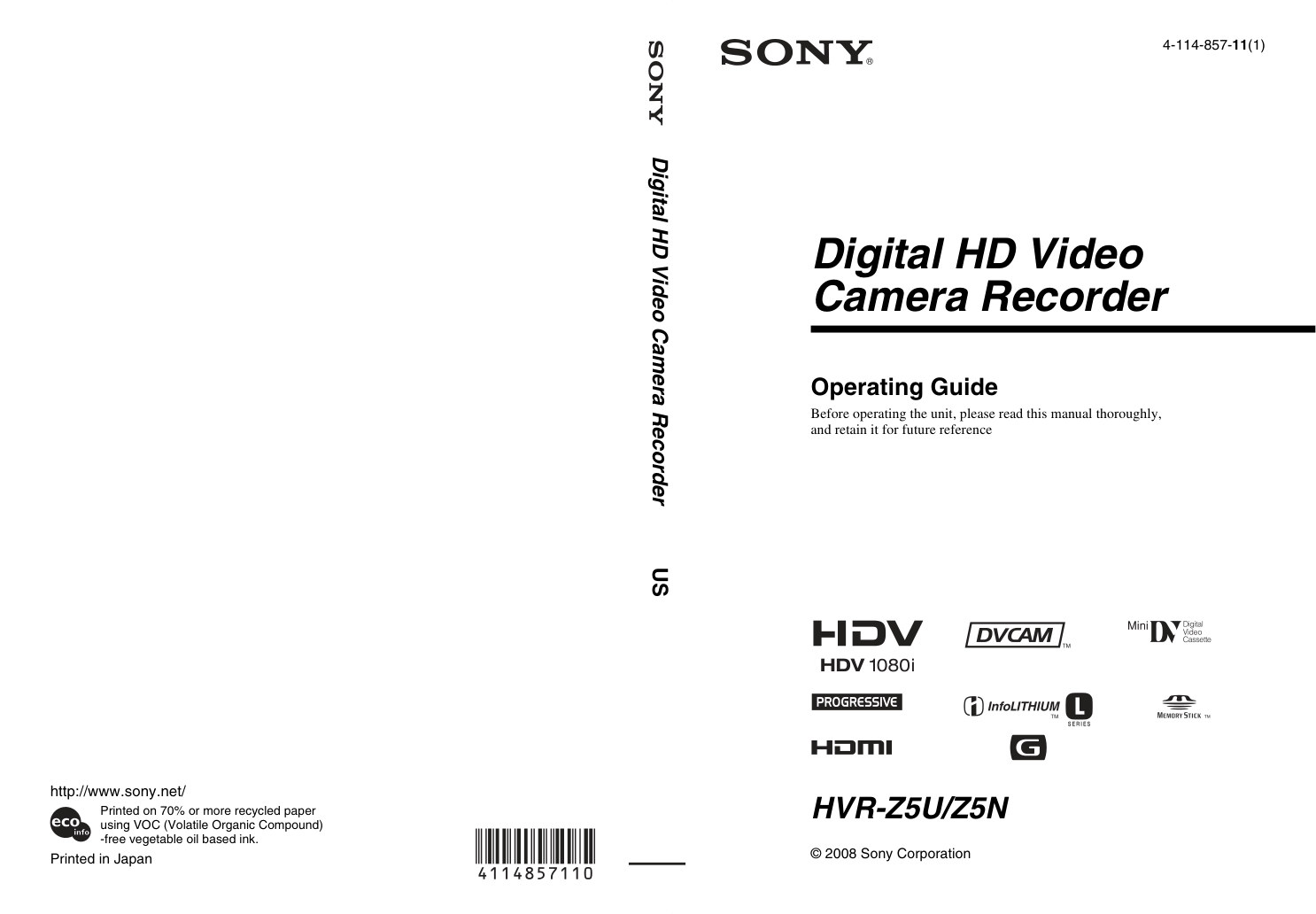
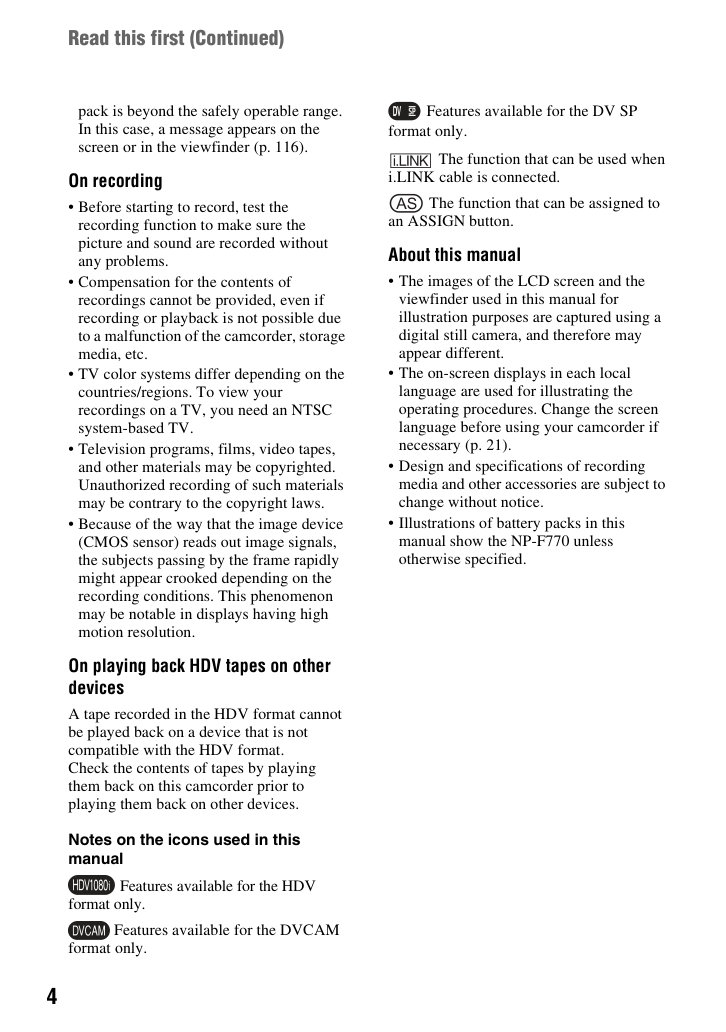
Sony HVR-Z5U – owner / operating manual for this HDV camcorder.
Language: English.
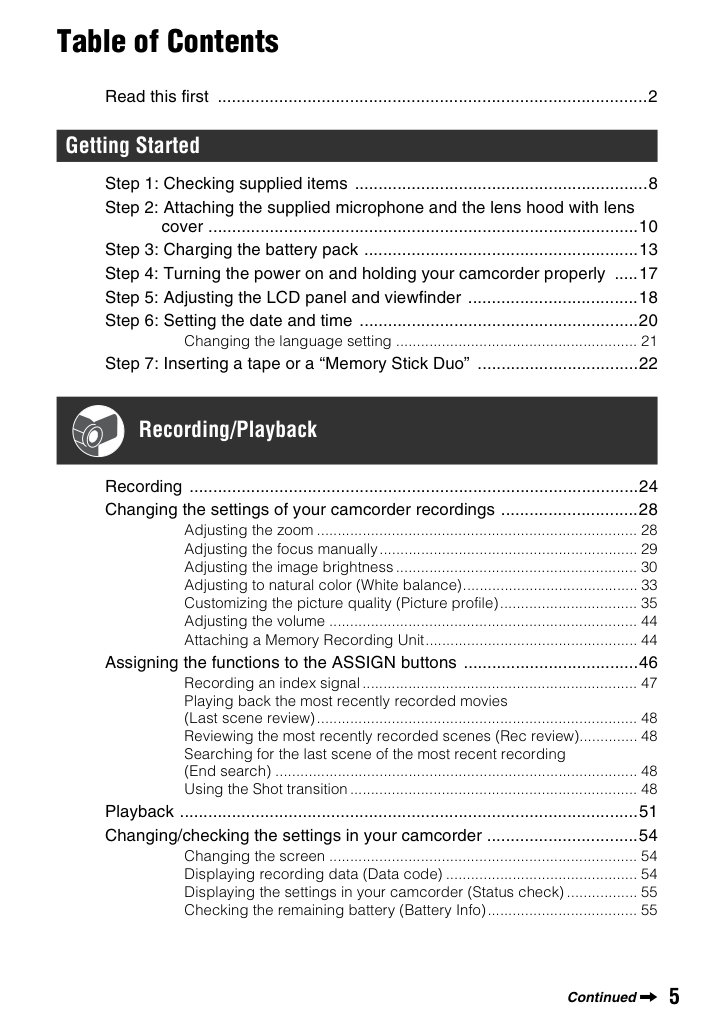
- Read this first (p.2)
- Getting Started (p.8)
- Step 1: Checking supplied items (p.8)
- Step 2: Attaching the supplied microphone and the lens hood with lens cover (p.10)
- Step 3: Charging the battery pack (p.13)
- Step 4: Turning the power on and holding your camcorder properly (p.17)
- Step 5: Adjusting the LCD panel and viewfinder (p.18)
- Step 6: Setting the date and time (p.20)
- Changing the language setting (p.21)
- Step 7: Inserting a tape or a “Memory Stick Duo” (p.22)
- Recording/Playback (p.24)
- Recording (p.24)
- Changing the settings of your camcorder recordings (p.28)
- Adjusting the zoom (p.28)
- Adjusting the focus manually (p.29)
- Adjusting the image brightness (p.30)
- Adjusting to natural color (White balance) (p.33)
- Customizing the picture quality (Picture profile) (p.35)
- Adjusting the volume (p.44)
- Attaching a Memory Recording Unit (p.44)
- Assigning the functions to the ASSIGN buttons (p.46)
- Recording an index signal (p.47)
- Playing back the most recently recorded movies (Last scene review) (p.48)
- Reviewing the most recently recorded scenes (Rec review) (p.48)
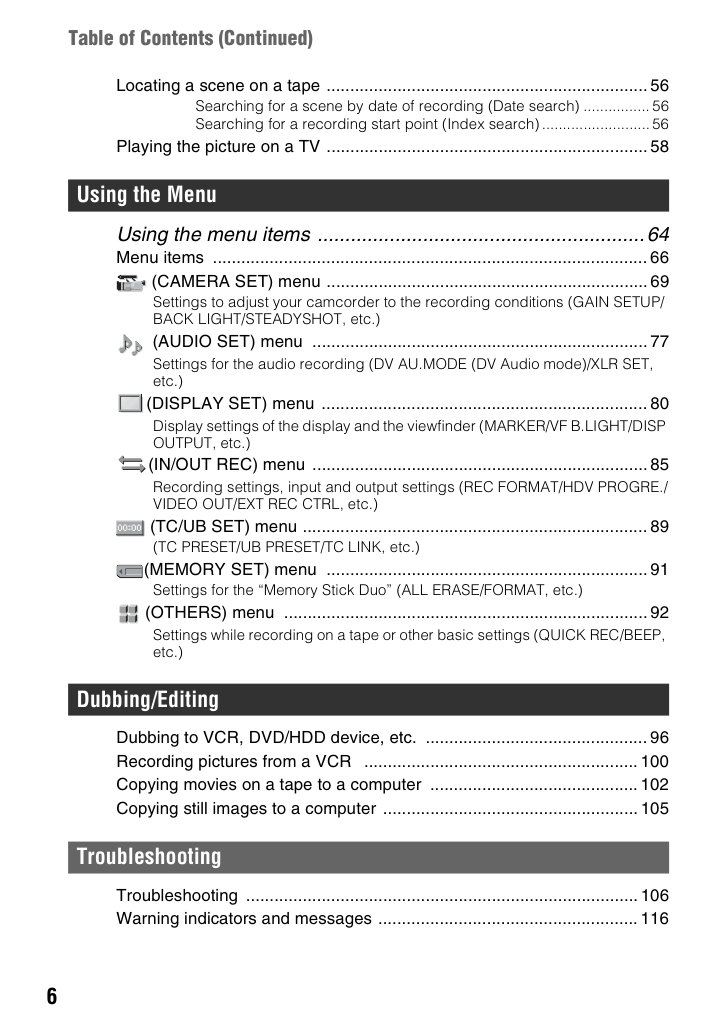
- …and 52 more sections in the booklet.
Pages: 147 · File size: 3.99 MB
Price covers PayPal base fee, per-page processing, and archive storage/transfer. Instant download only (no printed manuals).