Photorealistic Rendering
Blender now features a powerful new unbiased rendering engine called Cycles that offers stunning ultra-realistic rendering.
The built-in Cycles rendering engine offers:
- GPU & CPU rendering
- Realtime viewport preview
- HDR lighting support
- Permissive License for linking with external software
Realistic Materials
With Blender’s new rendering engine the possibilities for materials are endless.
Key features are:
Animation toolset
Whether it’s simple keyframing or complex walk-cycles, Blender allows artists to turn their still characters into impressive animations.
Blender’s animation feature set offers:
- Automated walk-cycles along paths
- Character animation pose editor
- Non Linear Animation (NLA) for independent movements
- IK forward/inverse kinematics for fast poses
- Sound synchronization
Sculpting
Experience the joy of sculpting organic subjects using the built-in sculpting feature set of Blender.
Sculpting in Blender includes:
- 20 different brush types
- Multi-res sculpting support
- Dynamic Topology sculpting
- Mirrored sculpting
Fast UV Unwrapping
Easily unwrap your mesh right inside Blender, and use image textures or paint your own directly onto the model.
Blender allows for:
- Fast Cube, Cylinder, Sphere and Camera projections
- Conformal and Angle Based unwrapping (with edge seams and vertex pinning)
- Painting directly onto the mesh
- Multiple UV layers
- UV layout image exporting
Full Compositor
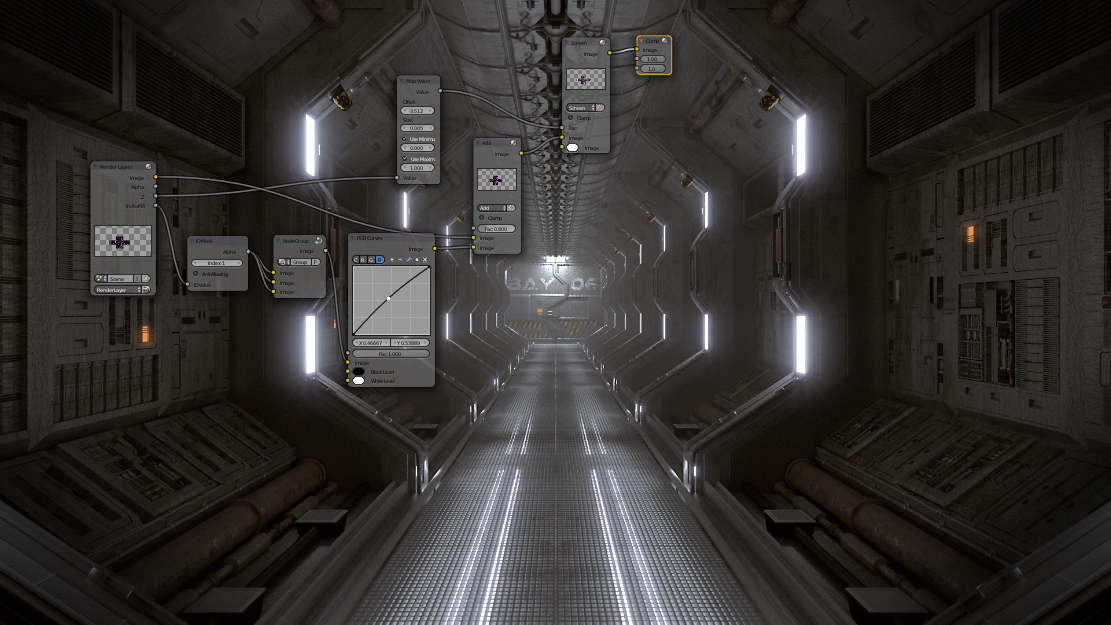
Blender comes with a fully fledged compositor built right in. That means no more exporting to third party programs, you can do it all without leaving the program.
The compositor comes with:
- Impressive library of nodes for creating camera fx, color grading, vignettes and much more
- Render-layer support
- Full compositing with images and video files
- Ability to render to multiLayer OpenEXR files
- Multi-threaded
Amazing Simulations
Whether you need a crumbling building, rain, fire, smoke, fluid, cloth or full on destruction, Blender delivers great looking results.
Blender’s simulation tools include
- Fluid – Realistic water and fluid simulations.
- Smoke – Billowing smoke with flames and scene interaction.
- Hair – Beautiful wafts of hair that blows in the wind and interacts with collisions.
- Cloth – Amazingly realistic cloth simulations for clothing and environments
- Rigid Body Physics – Makes any object destructable and collidable
- Particles – For creating things like rain, sparks and shrapnel
Game Creation
Included in Blender is a complete game engine, allowing you to create a fully featured 3d game right inside Blender.
The game engine includes:
- Ability to port your models to any third-party game engine
- Create or code your own game logic
- Full Bullet Physics integration
- Python scripting API for advanced control and AI
- Support for all OpenGLTM dynamic lighting, toon shading, animated materials as well as Normal and Parallax Mapping
- Playback of games inside Blender without compiling or preprocessing
- 3D spatial audio using OpenAL
Camera and Object tracking
Blender now includes production ready camera and object tracking. Allowing you to import raw footage, track the footage, mask areas and see the camera movements live in your 3d scene. Eliminating the need to switch between programs.
The Camera and Object Tracker includes:
- Auto and manual tracking
- Powerful camera reconstruction
- Real-time preview of your tracked footage and 3d scene
- Support for Planar tracking and Tripod solvers
Library of Extensions
With a large community of enthusiasts and developers, Blender comes loaded with a vast array of extensions that you can turn on or off easily.
Some existing extensions include:
- Generators for trees, terrain, ivy and clouds.
- Fracture Objects.
- 3D Printing Toolbox.
- Rigify meta-rigging system.
- Import and Export format support for AfterEffects, DirectX, Unreal Game Engine and more!
Video Editing
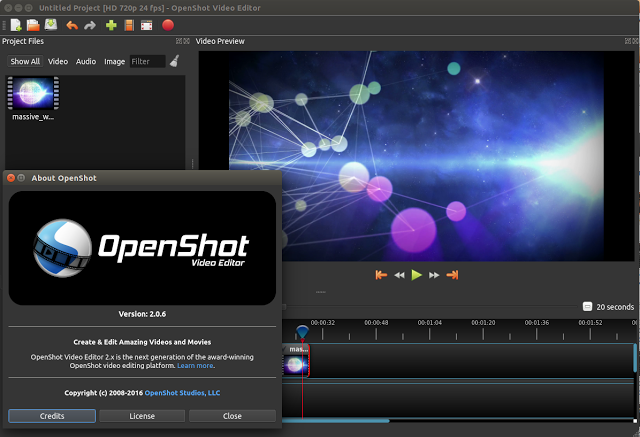
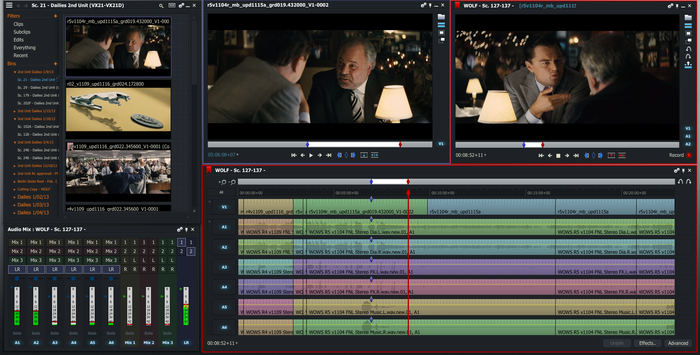
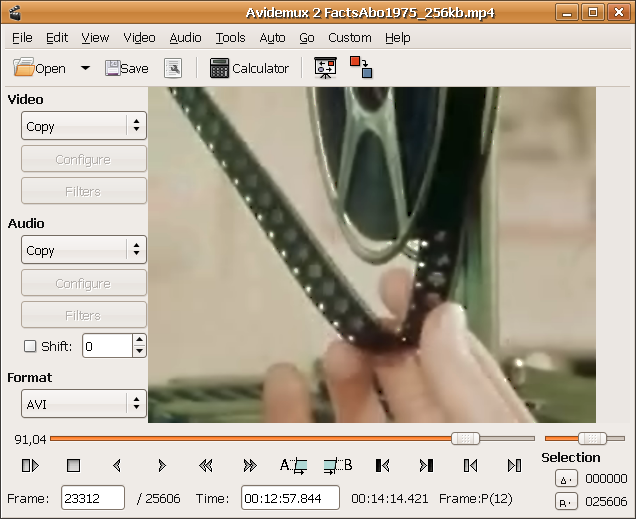
Blender even comes with a built-in Video Editor.
The Video Editor allows you to perform basic actions like video cuts and splicing, as well as more complex tasks like video masking.
The Video Editor includes:
- Live preview, luma waveform, chroma vectorscope and histogram displays
- Audio mixing, syncing, scrubbing and waveform visualization
- Up to 32 slots for adding video, images, audio, scenes, masks and effects
- Speed control, adjustment layers, transitions, keyframes, filters and more.
File Formats
Blender comes packed with import/export support for many different programs.
Including:
- Image
JPEG, JPEG2000, PNG, TARGA, OpenEXR, DPX, Cineon, Radiance HDR, SGI Iris, TIFF
- Video
AVI, MPEG and Quicktime (on OSX).
- 3D
3D Studio (3DS), COLLADA (DAE), Filmbox (FBX), Autodesk (DXF), Wavefront (OBJ), DirectX (x), Lightwave (LWO), Motion Capture (BVH), SVG, Stanford PLY, STL, VRML, VRML97, X3D.
Flexible Interface
Novice and advanced users will love the ability to customize their layout completely. From simply splitting their viewport, to fully customizing it with python scripting, blender works for you.
Blender’s interface also offers:
- Consistency across all platforms
- No disruptive pop-up windows
- Crisp text (support for retina on OSX)
Members only: browse freely; create a free account or log in to download.