
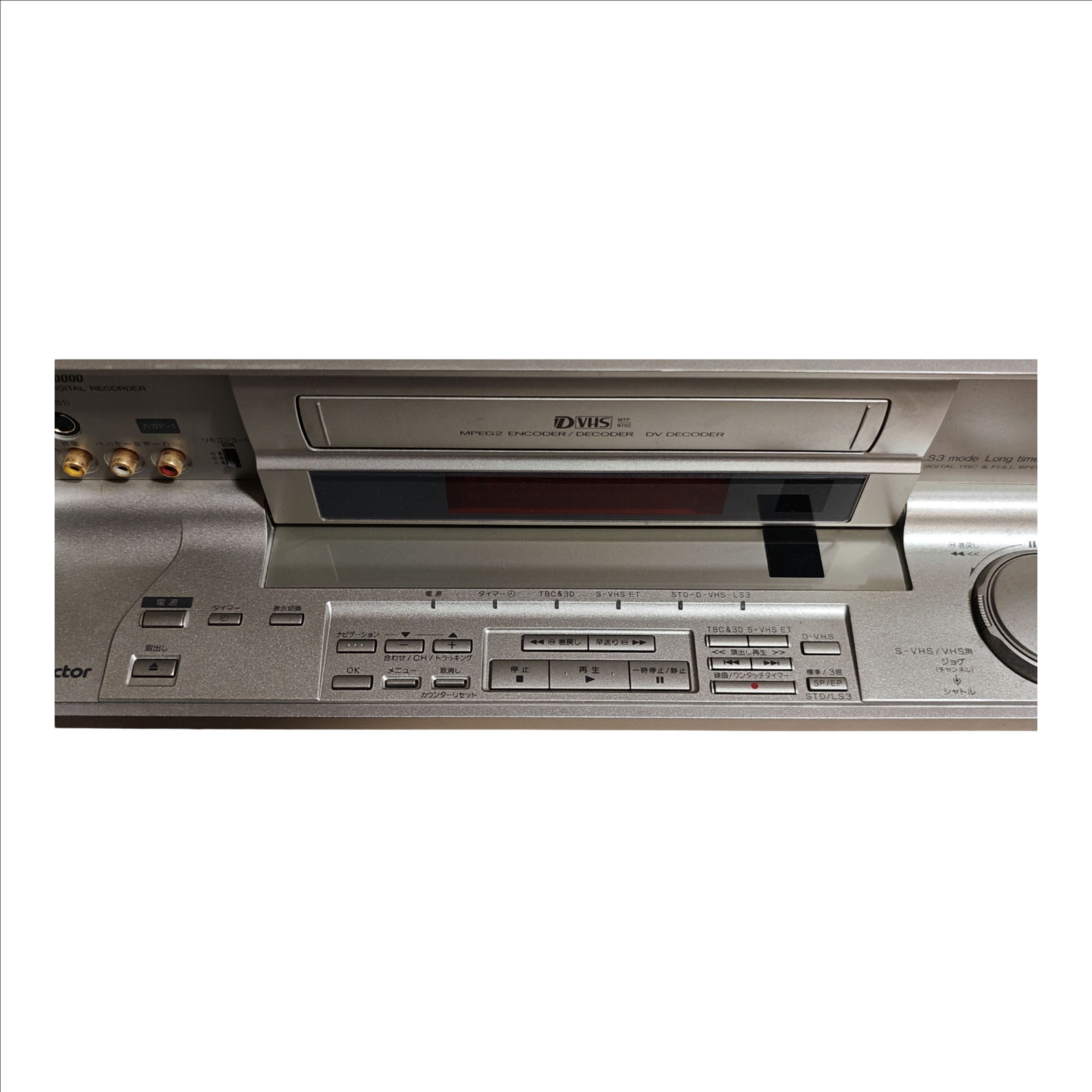
Victor HM-DR10000 Front Panel Guide
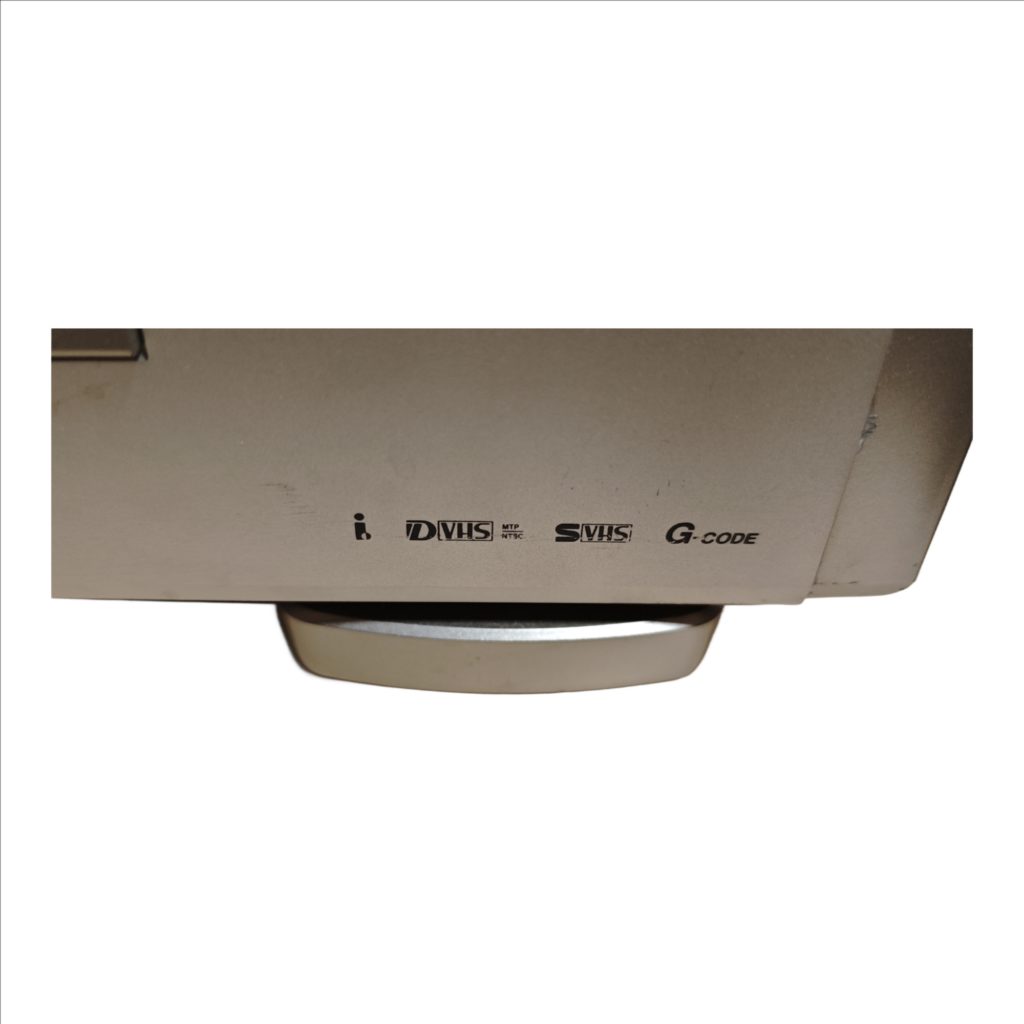
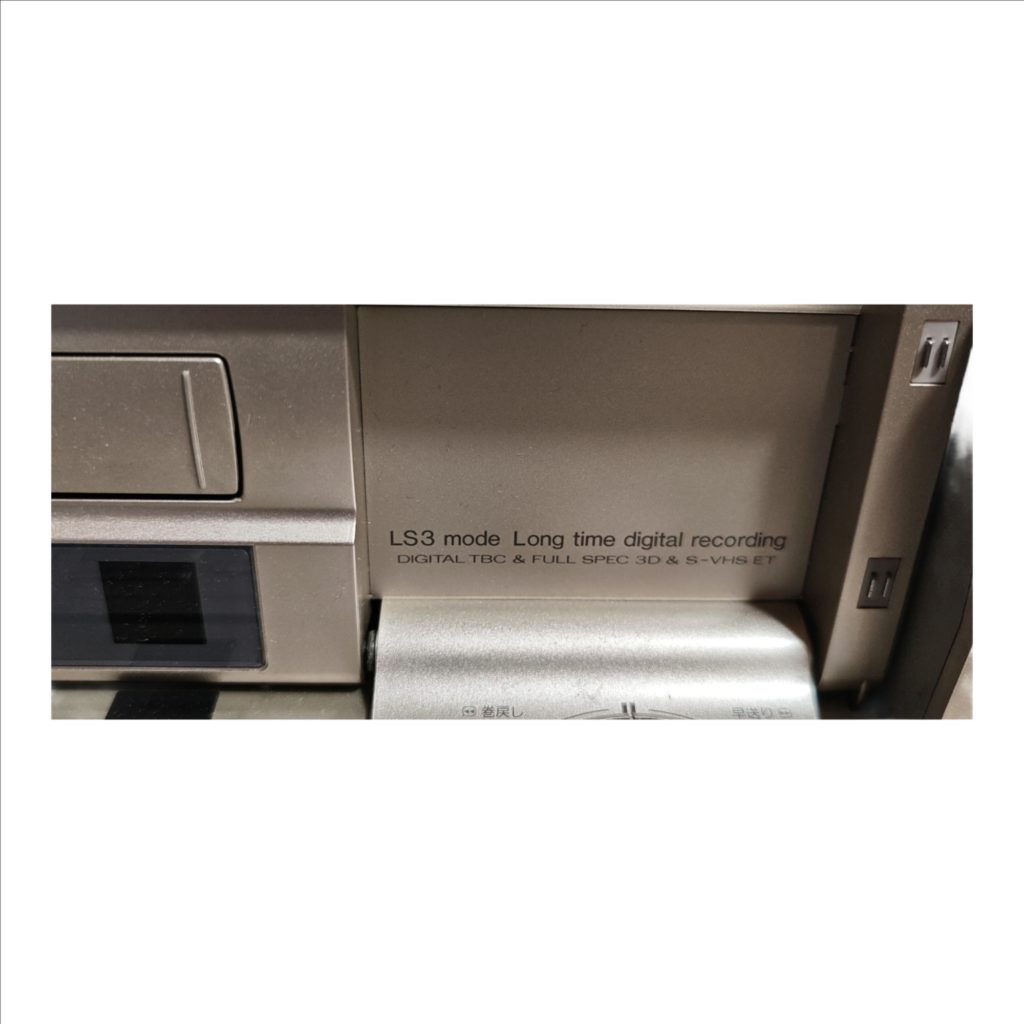
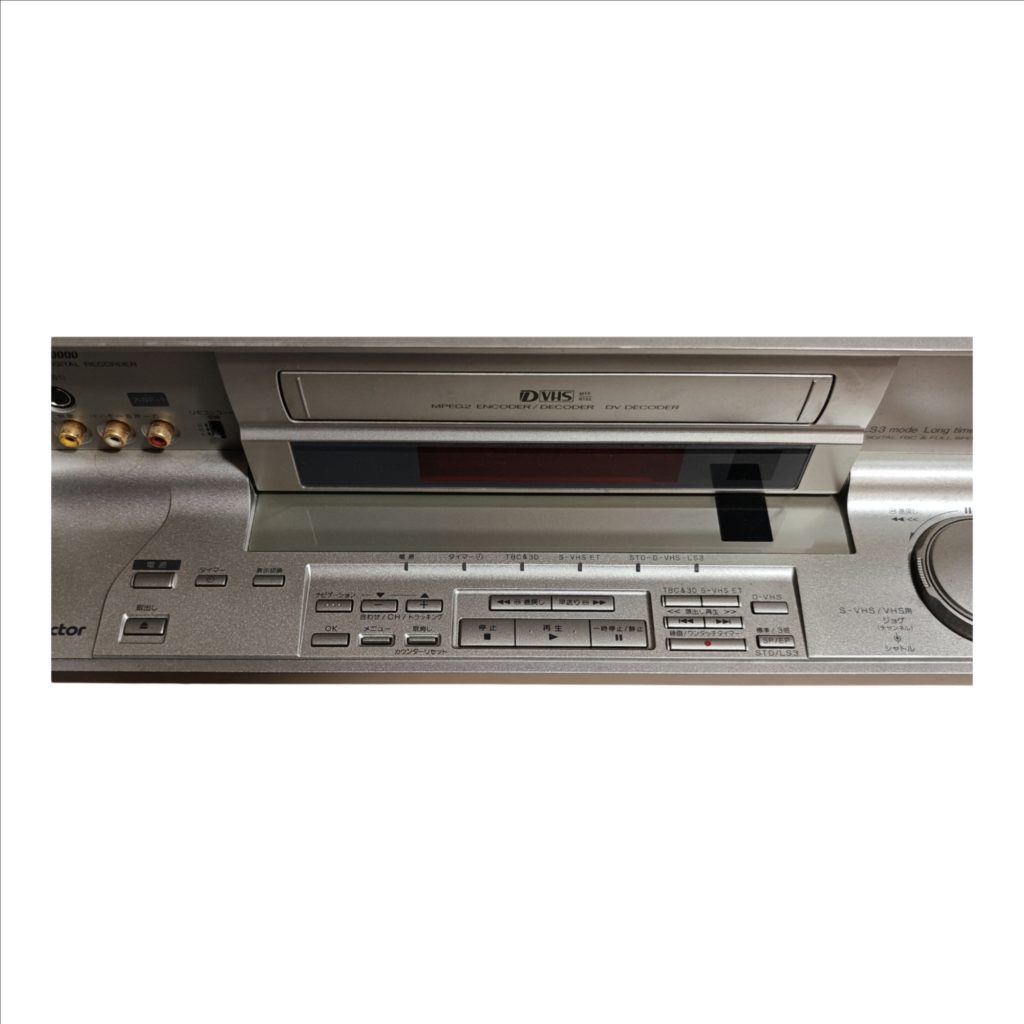
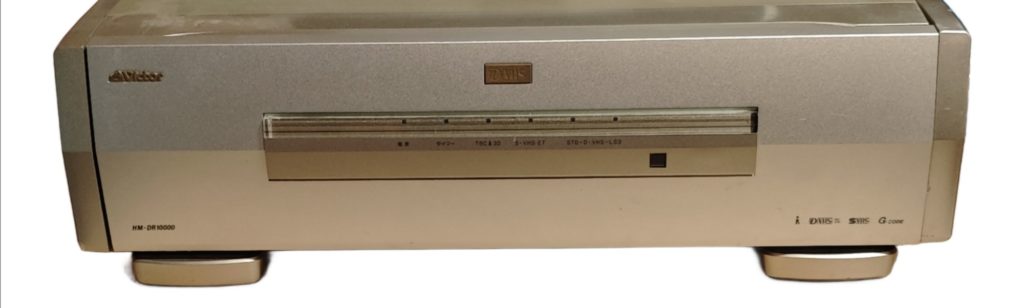
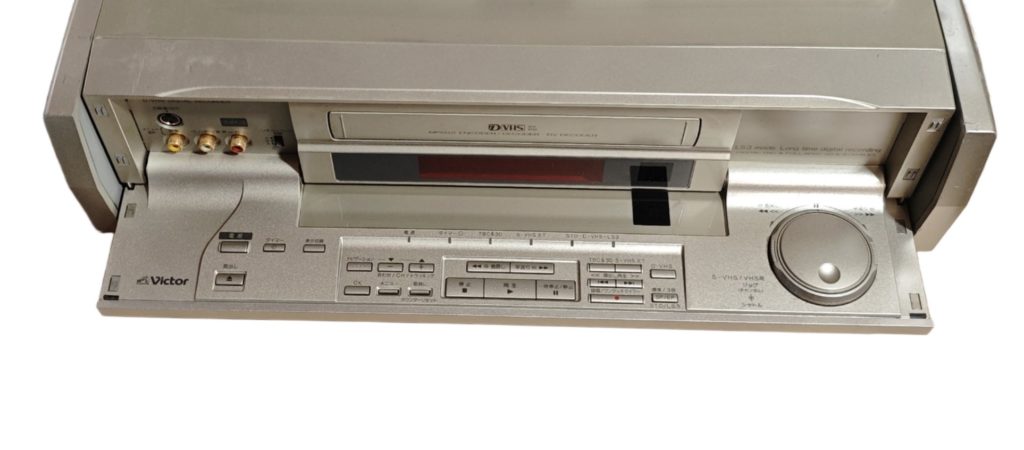
The Victor HM-DR10000 is a D-VHS digital video recorder that handles both analog VHS/S-VHS tapes and digital D-VHS recordings. A flip-down front door reveals quick-connect inputs and a full control bed, so you can dub from a camcorder, tweak tracking, and run transport without the remote. The center display has status lamps for Power, Timer, TBC&3D, S-VHS ET, and D-VHS speed (STD or LS3).
Front Overview
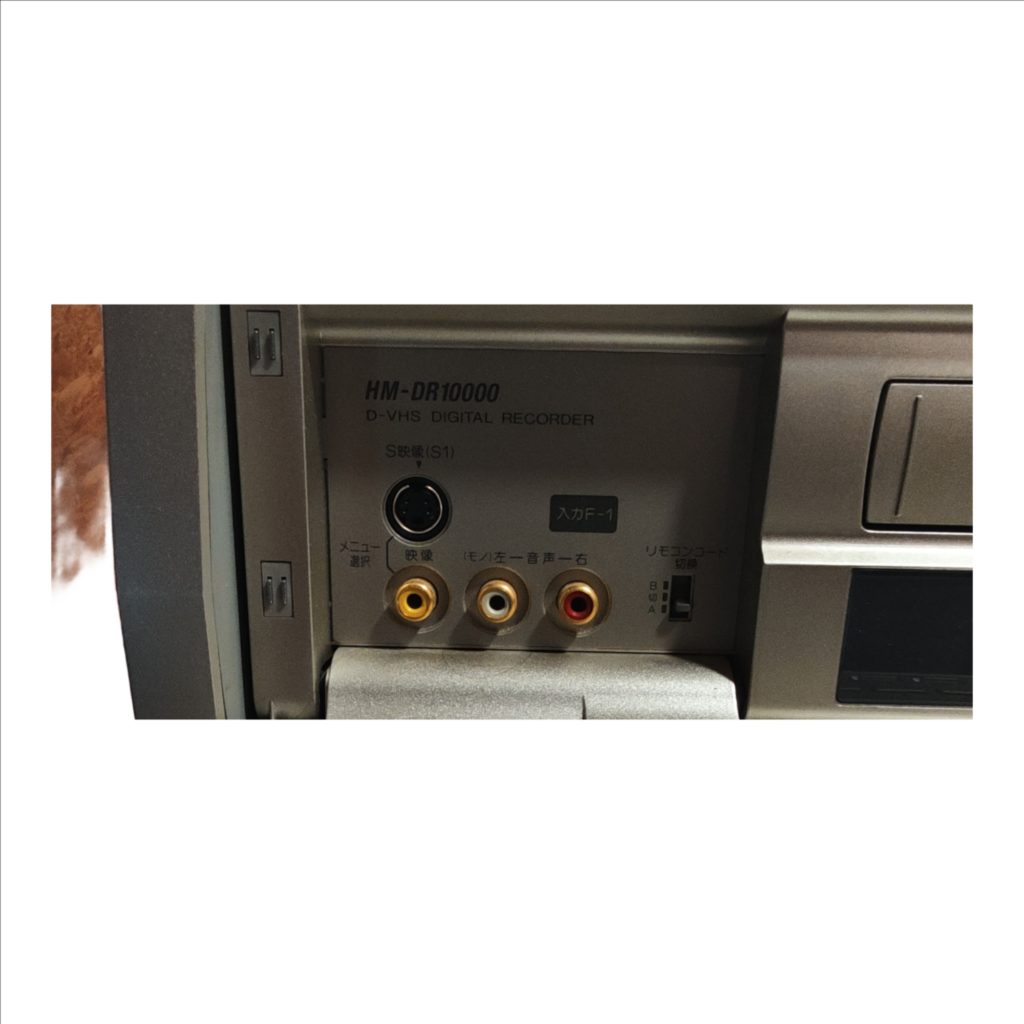
Left pocket “Input F-1” holds an S-Video jack and three RCA jacks (yellow composite video, white left/mono audio, red right audio) plus a tiny A/B switch to change the remote control code when you own multiple Victor decks. The cassette slot and window sit in the middle under the status strip. The right side carries a large jog/shuttle wheel for precise search when playing VHS/S-VHS tapes; the inner knob jogs frame-by-frame and the outer ring shuttles fast forward/back.
Basic Operation
To record from the front, plug your source into Input F-1, insert a tape, choose a speed (Standard/3× or SP/EP for VHS; STD/LS3 for D-VHS), press the Record/One-Touch Timer bar, then Stop to finish. To play, insert a tape, press Play, use Rewind/Fast-forward to navigate, Pause/Still to freeze, the jog/shuttle for fine search, and Counter Reset to zero the counter. Use Menu, OK, Cancel, and the Minus/Plus keys to set channels, inputs, and tracking.
Main Controls by Position
Bottom left corner: Eject → Power → Timer.
Navigation block (immediately right of Timer): top row Minus and Plus (Adjust/CH/Tracking); below them OK (left), Menu (center), Cancel (right); “Counter Reset” is printed beneath.
Transport cluster (to the right of Navigation): top row Rewind (left) and Fast-forward (right); bottom row Stop (left), Play (center), Pause/Still (right).
Directly right of transport: Step-Playback rocker; below it the wide Record/One-Touch Timer bar with a red dot.
Far right column (three small stacked keys): top = Standard/3×, middle = SP/EP, bottom = STD/LS3.
Far right dial: Jog/Shuttle wheel for S-VHS/VHS playback/search.
Japanese-to-English Translation Key
電源 = Power
タイマー = Timer
TBC&3D = Digital time-base correction & 3D noise reduction
S-VHS ET = S-VHS Extended Technology
STD-D-VHS-LS3 = D-VHS mode indicators (Standard / Long Stream 3)
S映像(S1) = S-Video input (S1)
入力F-1 = Input F-1 (front inputs)
映像 = Video
L/モノー音声-左 = Left audio / Mono
音声-右 = Right audio
リモコンコード 切換 A/B = Remote control code selector A/B
取り出し = Eject
ナビゲーション = Navigation
合わせ/CH/トラッキング = Adjust / Channel / Tracking
メニュー = Menu
取消し = Cancel
カウンターリセット = Counter Reset
巻戻し = Rewind
早送り = Fast-forward
停止 = Stop
再生 = Play
一時停止/静止 = Pause / Still
繰出し再生 = Frame-step playback
前/次 = Previous / Next (index search)
録画/ワンタッチタイマー = Record / One-Touch Timer
標準/3倍 = Standard / 3× extended play
SP/EP = Standard Play / Extended Play
STD/LS3 = D-VHS Standard / Long Stream 3
ジョグ/シャトル = Jog / Shuttle
S-VHS/VHS用 = For S-VHS/VHS use