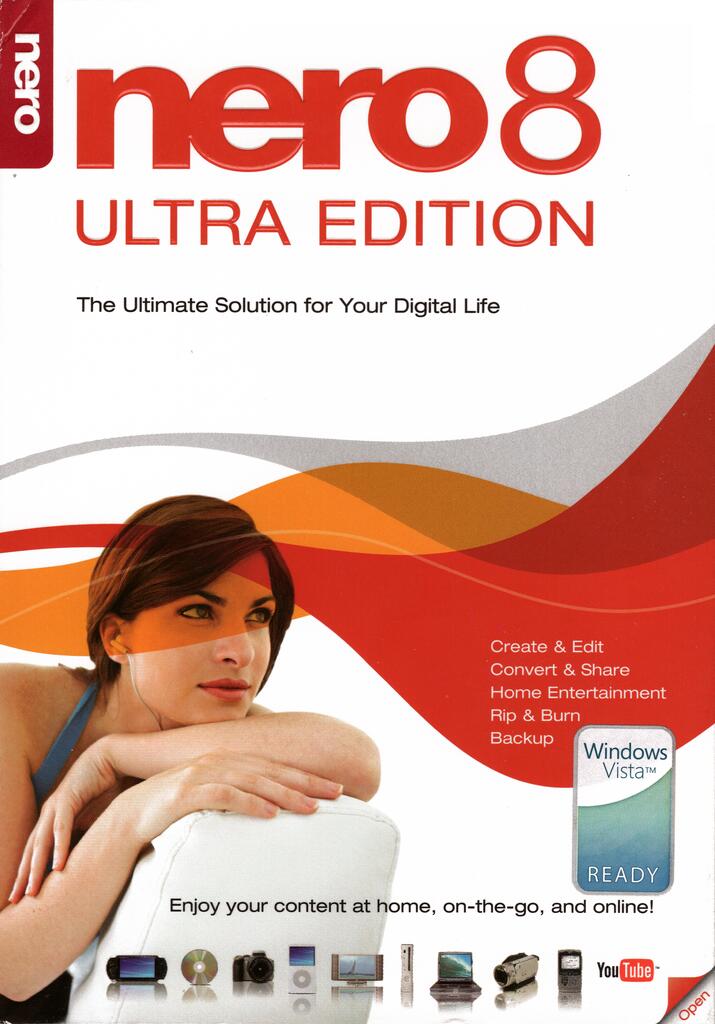
Nero 8 Ultra Edition HD is a period all-in-one suite: Nero Burning ROM, Vision (DVD / early HD), Recode, ShowTime, and historic HD DVD / Blu-ray authoring components. Treat it as a Windows XP/Vista-era VM guest.
Guide: DVD-Video with Nero Vision
- Open Nero Vision → Create DVD → DVD-Video.
- Add video clips; trim; set chapters.
- Edit menu templates; preview.
- Burn or make image. Prefer Verify.
Guide: VCD / SVCD burn
- In Burning ROM or Vision, choose Video CD or Super Video CD project.
- Add already-encoded MPEG. For strict SVCD leave compliance on.
Guide: China Video Disc (CVD)
- Encode CVD MPEG-2 (352×480/576) in TMPGEnc first.
- Create a Super Video CD project.
- Turn off “Make standard compliant SVCD” (or equivalent wording).
- Add the CVD stream, burn CD-R, test on SVCD/CVD-capable players.
- If Nero rejects the file, use VCDEasy instead.
Guide: HD DVD authoring / burning (period)
- Use the HD DVD project types included with Ultra HD builds where present.
- Follow Nero’s HD DVD wizard for menus and H.264/VC-1 assets per the version’s limits.
- Hardware HD DVD burner + media required for physical discs; most users today only need ShowTime/Vision for playing pressed HD DVDs.
- Professional interactive HD DVD still belongs in Scenarist.
Guide: AVCHD
Nero Vision 5 (in Nero 8) was an early consumer AVCHD path: create AVCHD project, add HD clips, SmartEncoding, burn to DVD media as BDMV. Prefer multiAVCHD or TMPGEnc Authoring Works 4 for more control.
Not CBHD
Nero does not author China Blue High-definition discs. See the CBHD support article.
Members-only Archive link. We do not host this software on our servers. After you log in, the button opens the Internet Archive item. No warranty, no support, no endorsement. Your risk, your local law.
Extended tips: project choices and era hardware
Nero 8 is a suite: Burning ROM for raw project types, Vision for guided movie discs, Recode for bitrate fitting, ShowTime for playback. For CVD, Vision/Burning ROM Super Video CD projects with compliance disabled is the period method; if the UI still rejects half-D1 MPEG-2, stop fighting Nero and finish in VCDEasy. For DVD-Video, Vision menus are adequate for home videos; escape to DVDStyler or Architect when you need layered menus and playlists.
HD DVD features in Ultra HD builds assume mid-2000s drivers and often physical HD DVD burners that barely exist retail today. Treat HD DVD authoring here as archival experimentation: keep projects small, verify on a software player first, and do not expect modern Windows 11 to install cleanly without a VM. Interactive studio titles still need Scenarist Advanced Content with a dongle.
AVCHD in Vision 5: create an AVCHD project, add HD clips, let SmartEncoding fit DVD media, burn BDMV. Always confirm UDF 2.50 if you burn outside Nero. Compare results with multiAVCHD on the same clips – multiAVCHD often muxes cleaner for picky Blu-ray decks.
ShowTime / Vision playback of commercial HD DVDs is the realistic daily use on a machine that still has an HD DVD drive. Keep firmware and AACS client components of that era aligned; this site’s decrypt section is separate and outbound-only for a reason.